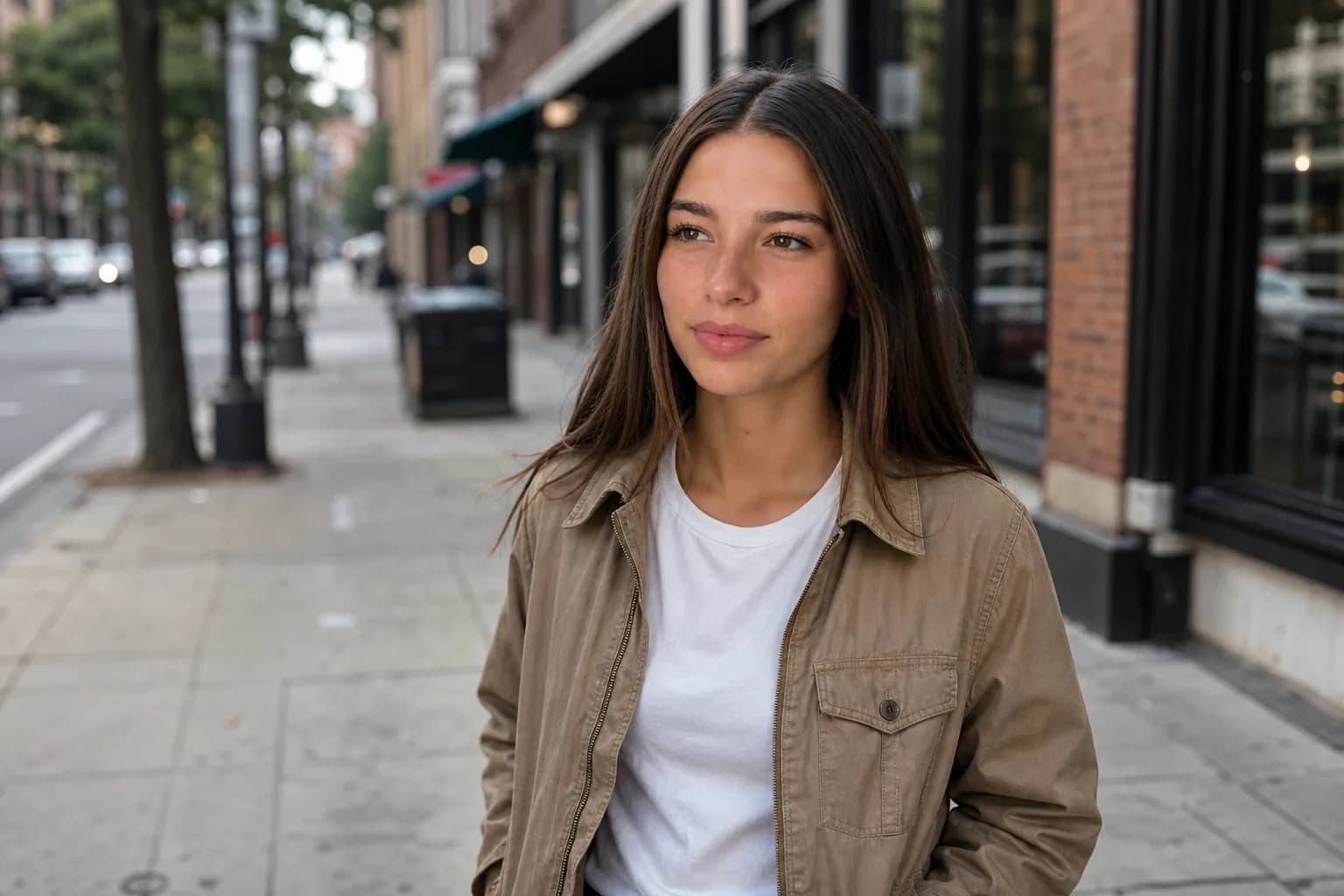
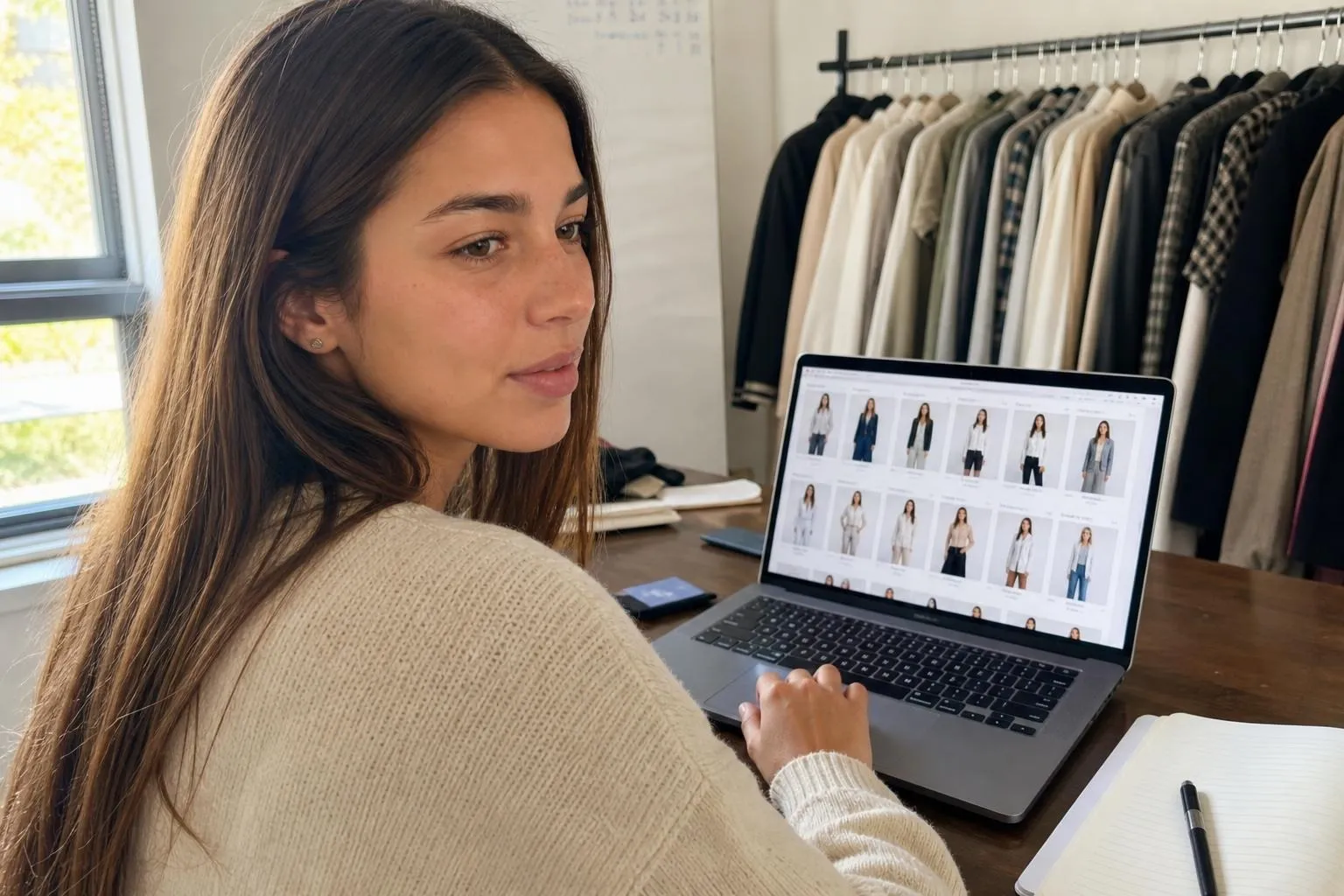
An AI photoshoot gives your clothing brand a consistent on-model identity, one face, one look, one visual character across every product photo in your catalog, without booking a studio day, hiring a model, or coordinating a real shoot. The workflow is: design a character once, lock its identity, then generate on-model product shots for any garment in that catalog on demand. This article covers how that works, what it costs to compare against a real photoshoot, and the one legal thing you need to sort out before you start.
What is an AI model for a clothing brand, and how does it work?
An AI model for a clothing brand is a photorealistic virtual character used to display garments in product photography. Instead of hiring a human model and renting a studio, you describe the character once, generate a reference, and then use that character to wear every item in your catalog across as many scenes and backgrounds as you need.
The generation itself works by feeding a garment image, or a description of a garment, into an image model along with a reference for the character. The output is a photo of that character wearing the item. This is different from virtual try-on, which maps a garment onto an existing person's photo. An AI model generates a full scene: character, outfit, environment, and lighting, all at once.

The part most tools do not advertise clearly: a plain image generator is stateless. It does not remember your character between renders, so each new image is a fresh approximation of the face. The eyes shift slightly, the jaw changes, the overall face drifts. Across a catalog of 100 products, those drifts compound until the "brand model" is clearly not one person. The consistency layer, the mechanism that holds the same identity fixed across every render, is what separates a usable brand model from a folder of near-misses.
How do you create an AI model for your clothing brand?
The process has four steps. They need to run in this order.
Step 1: Define the character. Decide who your brand model is before generating anything. Write down fixed traits: approximate age, skin tone, hair color and length, build, and any styling cues that fit your brand. The more specific this profile, the more consistent the output across a catalog. Think of it as a casting brief you keep permanently on file.
Step 2: Generate and lock the reference identity. Feed the character description into the generator and iterate until the face matches the profile you wrote. That first approved image becomes the locked reference. Every future render pulls from that reference rather than re-describing the face from scratch. This is the step most people skip, and it is the one that decides whether the project works.

Step 3: Build the first catalog batch. Upload your garment images, one at a time or in bulk depending on the tool, and generate the model wearing each item. Set the background and scene once per collection shoot and run the full set through it. For a seasonal catalog of 50-100 SKUs, this takes hours rather than the weeks a real shoot requires from brief to delivered files.
Step 4: Establish a refresh cycle. A locked AI model identity does not need to be rebuilt each season. You add new garments to the same character, in the same visual language, across new backgrounds if you want them. The brand model stays the same person, season after season, the way a long-running campaign model would.

How much does an AI model cost compared to a real photoshoot?
A one-day ecommerce shoot for a clothing brand in a major US market runs roughly $2,500-10,000 for photographer, studio rental, model fee, and retouching, producing somewhere between 40 and 80 final images (Squareshot, 2026). For a seasonal catalog of 200 SKUs, you are looking at multiple shoot days and a total bill that can exceed $30,000 before you add styling, hair, and makeup. If you want the full breakdown of what a home setup costs and how to build one, the ecommerce product photography setup guide covers equipment, lighting, and where AI closes the lifestyle gap.
AI-generated on-model photography changes the cost structure, not just the cost. Most generators price by image or by monthly subscription, putting the per-image cost at roughly $0.10-1.00 depending on the tool and plan tier. A 200-product catalog that would cost $15,000-60,000 to shoot traditionally can be produced for a few hundred dollars (FASHN.ai, 2026). The speed difference is also real: AI generation takes hours from garment upload to final files, not weeks of scheduling, production, and post-processing.
The honest comparison: AI-generated photos are now good enough that most apparel shoppers cannot reliably tell the difference from a real shoot, particularly for flat garments like shirts, trousers, and outerwear where fit and drape are the main things the photo needs to show. The gap is real but narrowing for complex items like knitwear and structured jackets where fabric behavior under studio light is harder to simulate. One thing that gives AI photos away on a feed even when the face holds: the cinematic look of even, studio-perfect lighting. For catalog shots that need to read as real, understanding why AI photos look staged and how to avoid it is worth the read before you build the first batch.
The same cost structure applies to product imagery across ecommerce, not only apparel. If you sell beyond clothing, the broader guide to AI product photography for ecommerce covers the non-apparel categories, where AI falls short, and what Amazon and Shopify allow.

How do you keep the AI model looking the same across every product photo?
This question is the one that separates a working brand model from a failed experiment.
Prompt-based workarounds do not solve this. You can write the most detailed character description possible into every prompt and still get a face that shifts across a batch. Words are a weak handle on identity. The same description will render differently on every run, and across hundreds of catalog images those differences are impossible to manage. Product image consistency matters beyond aesthetics: 71% of shoppers have made a return because the product didn't match the online listing (Salsify, 2025). A consistent AI model prevents that friction.

What works is an identity layer that holds the character reference fixed and applies it consistently to every new render. Instead of re-describing the face, you set one locked reference once and the system keeps it constant while you change the garment, the setting, and the pose. The same workflow applies outside catalog work: keeping one AI character consistent across different poses and outfits covers the full mechanics for anyone building a recurring on-screen persona. The face stays the same. The product changes. That is the mechanism behind what Cladegrove's brand model tooling is built on, and it is the part of the stack that makes a multi-season brand model actually viable rather than a nice idea that falls apart at the catalog level.
Can you use a real person's face as your AI brand model?
You can base an AI model on a real person's likeness, but using someone's face without permission is a legal problem, not just an ethical one. For any real person, including a public figure, a staff member, or a model you have worked with before, you need their explicit written consent before generating images in their likeness. Right-of-publicity laws in the US and similar statutes in other jurisdictions make unlicensed likeness use actionable, and the AI context does not create an exception.
A fictional character created from scratch carries none of that risk. You design a character, you own the concept, and there is no third-party consent to manage. That is the safer default for a brand model that you plan to use across years of catalog photography.
If you want to use a real person's likeness, read through the Cladegrove likeness policy first. It covers what consent means in practice and what you need in writing before generating.
Which clothing brands are already using AI models, and does it work?
Large retailers moved first. ASOS piloted AI-generated model photography for a subset of its catalog. Levi's announced a test of AI-generated models to increase the diversity of model representation across its product listings. Shein, which operates at catalog scales no traditional photoshoot could match, has leaned into AI-generated imagery as a core part of its production workflow. By 2026, an estimated 40% of ecommerce apparel listings are expected to feature AI-generated product images (CamClo3D, 2026).
For smaller brands the evidence is more fragmented, but the commercial logic holds regardless of scale. A catalog that can be shot, updated, and expanded without booking a studio session gives a brand a production speed that a traditional photoshoot calendar cannot match. For seasonal fashion, where the gap between trend identification and on-site availability can make or break a SKU, that speed matters.
The failure mode is treating any AI image generator as a brand model. The brands that have had problems with AI model photography typically ran into the consistency issue: the tool produced great individual photos and a disjointed catalog, because no locked identity was holding the face across the set. The quality of any single image is not the hard part. The hard part is that all the images look like the same person.
Common questions
Can I create a free AI model for my clothing brand?
Several tools offer a free tier that produces a handful of on-model images without a sign-up. The catch is consistency: free tiers generally have no way to lock a face across a catalog, so each render produces a slightly different person. That is workable for testing an idea but not for building a recognizable brand identity.
Do AI-generated clothing model photos convert as well as real photos?
On-model photos, AI or real, convert better than flat lays and ghost mannequins because shoppers want to see how a garment fits on a body. The quality gap between AI and real photography has narrowed considerably by 2026. What matters more than the generation method is whether the model looks consistent and the garment renders accurately.
How many product images can I generate per day with an AI model?
That depends on the tool and the plan tier. Most paid generators can produce dozens to hundreds of images per day, which means a catalog of 100 SKUs can be shot in a day or two rather than across multiple studio sessions. Free tiers cap daily output at a fraction of that.
Do I need to disclose that my product photos use an AI model?
Platform rules vary. Many e-commerce platforms and marketplaces do not currently require a disclosure for AI-generated product imagery. However, if your brand uses social media advertising, Meta and other platforms may automatically label detected AI content. Staying transparent with your audience tends to be the lower-risk position regardless of whether a platform mandates it.
A brand model used to mean a human you rebooked season after season because the audience knew the face. The same logic applies to an AI model: the value is in a face that the audience recognizes, one that shows up consistently across every product page, every lookbook, and every season. The generation is the easy part. Holding the identity is what makes it work as a brand asset rather than just a cheaper photo, and the same locked character can carry into social posts and full campaigns just as easily as a catalog, the range covered in the use cases for AI-generated characters. If you want to take that same consistent character into commissioned content for other brands, the UGC creator model is a natural extension of the same workflow.
See how Cladegrove holds the model identity for your catalog.