You build a character you like, generate a second pose, and the face has quietly shifted: the eyes sit differently, the nose narrows, and a few shots later it is a sibling rather than the same person. The reason is that the identity has to travel with each generation request, and in most tools it does not. Saving a reference image and pasting it into a new prompt helps, but the model re-reads the picture and re-invents the small details every time. Holding the face across poses means storing the identity separately and feeding it back in a controlled way on every request. The rest of this piece is how to run that.
How do I get the same AI character in different poses?
You get one AI character in different poses by separating two things most tools keep tangled together: who the character is, and what they are doing in the shot. The identity (the face, the build, the defining features) stays fixed. The pose, the outfit, the camera angle, and the setting are the variables you change per image.
In practice the workflow looks like this:
-
Lock the character first. Before you generate a single pose, you need one source of truth for the face. Not a prompt that describes the face, a held identity that the system applies every time. A description like "woman, late twenties, brown hair" produces a different woman on every render. A locked identity produces the same woman.
-
Keep the identity out of the per-shot prompt. Once the character is locked, your per-image instruction should only carry the changeable parts: "seated, reading, side profile, warm window light." The face is not something you re-describe each time. It is supplied by the identity layer, not retyped into the box.
-
Change one variable at a time at first. When you are checking that a character holds, move one thing: same outfit, new pose. Then same pose, new outfit. This makes drift obvious if it appears, because only one thing changed and the face should not be one of them.
-
Generate in batches and compare side by side. Put the outputs next to each other and look at the face, not the scene. Consistency is a comparison, not a single-image judgment. A render can look great alone and still be a slightly different person than the last one.


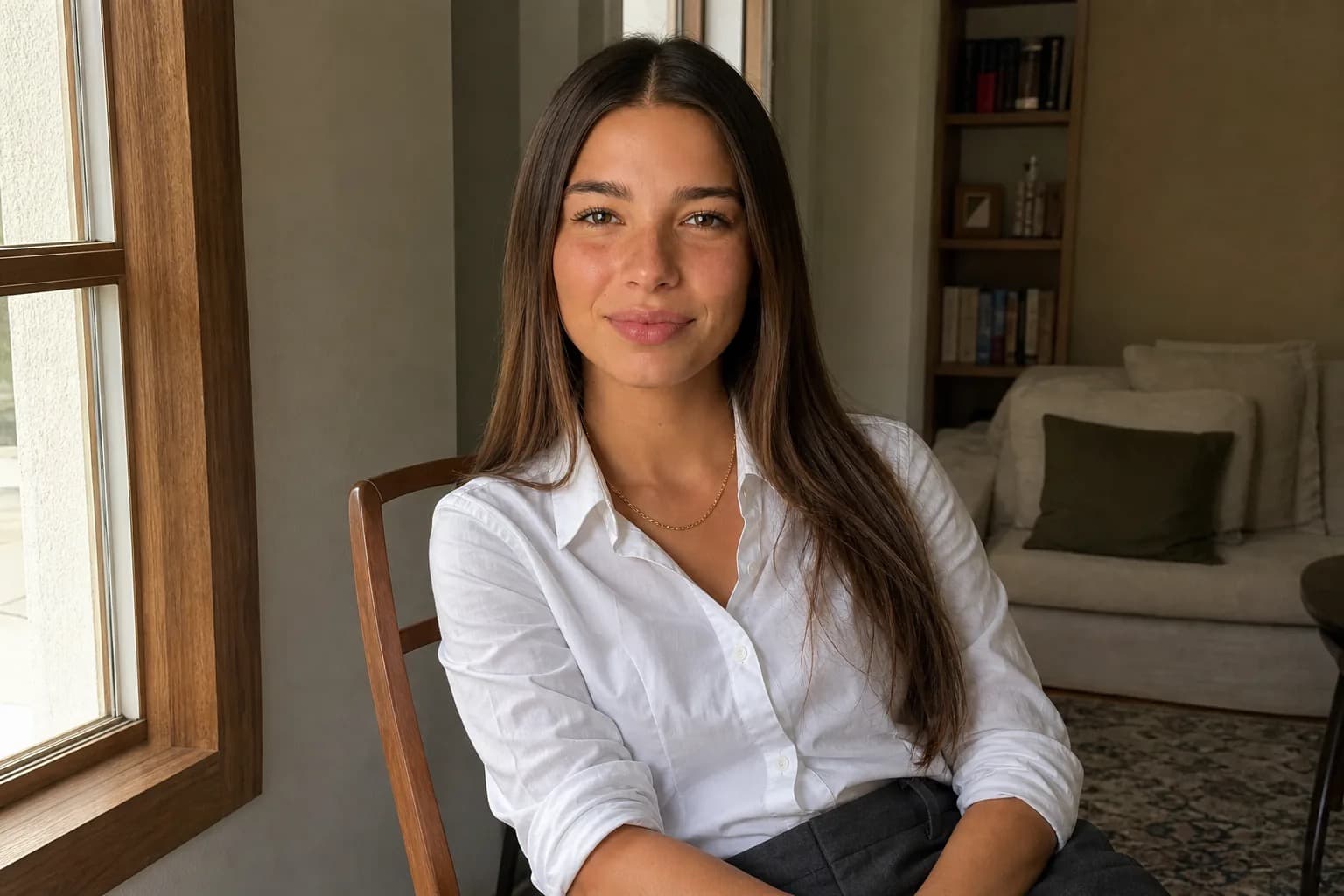
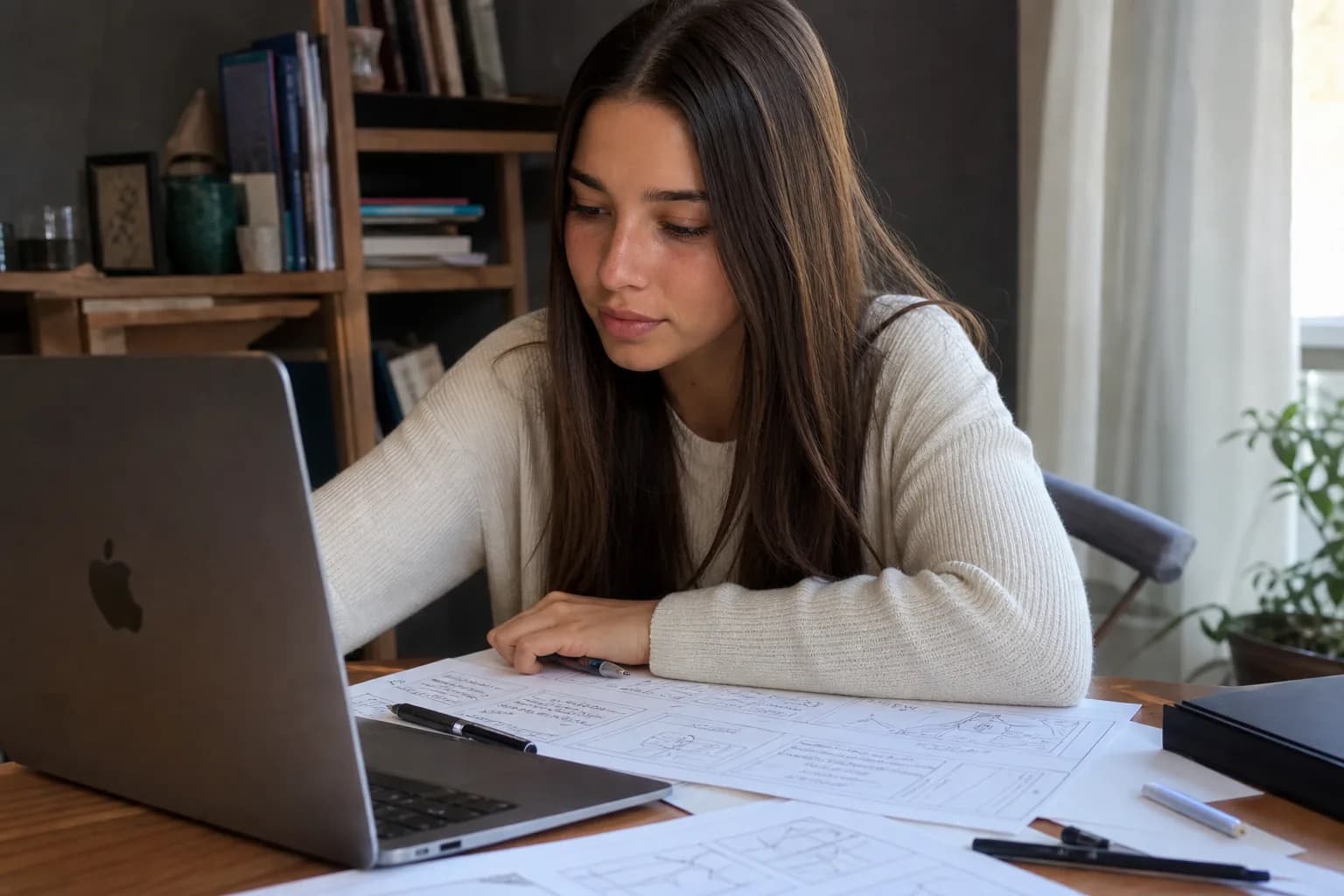
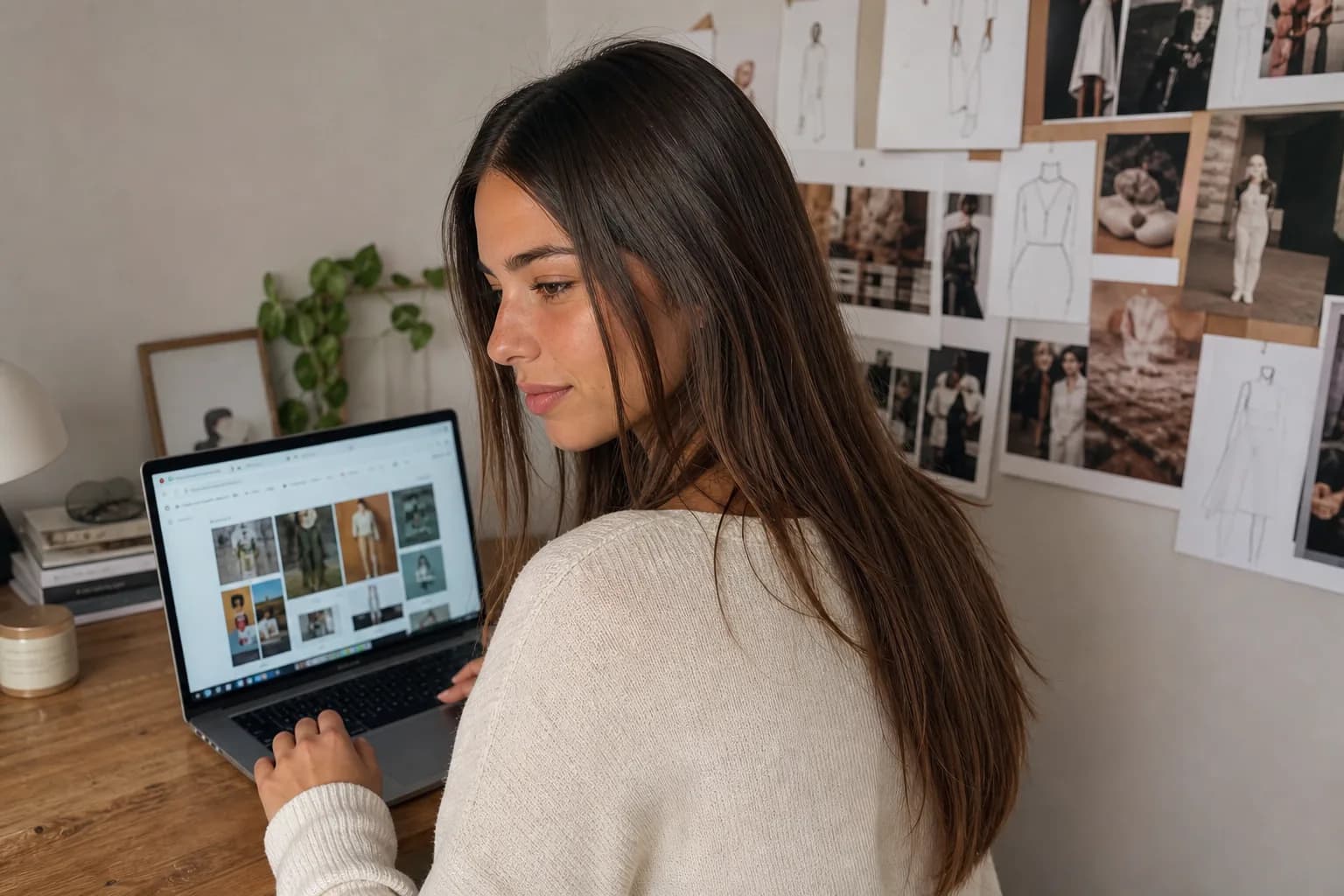
The two shots above are the clearest way to show what holding the identity buys you. It is the same character in a standing and a seated pose, with the face reading as one person across both. The outfit and the room stay the same; only the pose changes. The thing to watch is the face, not the scene, and here the only variable that moved is the pose, not who she is.
Why does the face change when I change the pose?
The face changes because most image generators are stateless. Each render is a fresh approximation built from your prompt, with no memory of the last image it made. When you ask for a new pose, the model is not adjusting an existing person, it is generating a new person who happens to match the same text description. Two people can both be "woman, late twenties, brown hair, green eyes" and look nothing alike, and that is exactly what you get.
Re-uploading your first image as a reference helps, but only partway. The model reads the reference, extracts an impression of the face, and rebuilds it from that impression. Rebuilding is where the drift creeps in. A single still does not carry the full geometry of a face, so the model fills the gaps with its own best guess, and the guess is a little different each time. Stack a few of those tiny guesses across a batch and the character has quietly turned into a sibling.
The pose itself makes it worse. A face seen straight on gives the model a lot to work with. The same face at a steep three-quarter angle, tilted down, partly in shadow, gives it much less, so it improvises more of the structure. That is why characters that look stable in simple front-facing portraits fall apart the moment you ask for a dynamic pose or an unusual camera angle. The harder the pose, the more the model is inventing, and invention is the enemy of consistency.
This is the limit worth being honest about: prompt wording cannot fully solve it. You can write "same exact face as before, do not change her features" in every prompt and a stateless model will still drift, because the instruction is competing with a process that rebuilds the face from scratch each time. Holding the identity has to happen outside the prompt, in a layer that keeps the character fixed regardless of what the per-shot text says. This is exactly the problem ChatGPT users run into with face drift across sessions, and the structural reason is the same regardless of which tool you are using.
Newer models have narrowed the gap inside a single request, not across requests. ChatGPT Images 2.0, released in April 2026, can generate a batch of up to eight images with one character held across the set. Ask for pose nine in a follow-up request and the drift comes back, because nothing about the identity is stored between requests. Batch consistency is progress; it is still not a held identity.
Can I change the outfit and keep the same character?
Yes, and the outfit is one of the easier variables to change once the identity is properly held, because clothing lives in the scene, not in the face. The same principle applies: the character is fixed, the outfit is a per-shot variable like the pose or the background. Ask for the same locked character in a wool coat, then a summer dress, then a tailored blazer, and the face should carry through all three while the clothing changes completely.
Where people get this wrong is by trying to change the outfit and the identity in the same breath. If your prompt is re-describing the person and the clothing together, you are re-rolling the face every time the wardrobe changes, and the character drifts on each costume swap. Keep the description of who they are out of the request entirely. The only thing the per-shot prompt should carry is what they are wearing and doing.

The shot above makes this concrete: the same locked character, now with a denim jacket added over the t-shirt, standing in the same room with the face unchanged from the earlier frames. The clothing moves. The person does not. That is the test for whether an outfit change is really an outfit change or a quiet identity reset.
There is a real limit here too. Outfits that heavily reshape the silhouette or cover defining features can still nudge things. A bulky hood that hides the hairline, heavy stage makeup, or a costume that obscures the jaw gives the model less of the character to anchor to, and it will fill in the rest. The face usually holds, but the more you cover, the more you are asking the system to reconstruct, and reconstruction is where small differences live.
What is the fastest workflow for a character in many poses?
The fastest workflow removes the slowest step, which is re-establishing the character on every image. If each new pose starts with re-uploading a reference, re-describing the face, and hoping it matches, you are doing the hardest part of the work over and over. The speed comes from doing the identity work once and reusing it. The scale makes this matter: AI tools generate about 34 million images per day globally (Everypixel Journal, 2024), and the creators publishing regularly are the ones who benefit most from storing the identity once instead of re-establishing it per image.
This is the point where an identity layer over a stateless image model earns its place. Instead of feeding a reference into a fresh generator for every shot, the character is locked once and then carried into each new pose and outfit by the system. The pose tool inside Cladegrove runs exactly this loop: you pick the locked character, then request poses and outfits, and the face is supplied from the held identity rather than re-rolled per image. The InstaMood poses feature runs this workflow for you, turning one locked character into a set of poses and outfits in a batch instead of a one-at-a-time guessing exercise. For creators building a persona that needs to hold a single face across a feed, the AI influencer generator applies the same locked identity to every scene you produce.
The practical workflow, end to end, looks like this:
-
Build or lock the character once. Establish the identity inside the layer that holds it, so there is a single fixed source for the face.
-
Queue the poses and outfits you need. Think of these as a shot list: standing, seated, walking, close crop, full body, three or four outfits. Write the scene, not the face.
-
Generate the batch. Let the held identity apply across the whole set rather than rebuilding the character for each frame.
-
Review for drift, then reshoot only the misses. Most will hold. The few that do not (usually the hardest angles) get re-queued, not the whole set. You are correcting a handful of frames, not restarting.
The honest version of "fastest" is that it is fast because it is repeatable, not because the first character is instant. Setting up a character you are happy with still takes a bit of judgment. The speed lands afterward, when the same character produces its tenth, fiftieth, and hundredth pose without you re-doing the identity each time. For a deeper look at how the face is held in the first place, the walkthrough on how Cladegrove keeps a character consistent across every image covers the locking step in detail.
Does this work for full body shots and different camera angles?
Mostly yes, with the same caveat that the harder the shot, the more the system has to infer. Full body shots and varied camera angles are where consistency is tested hardest, because they show the model the least of the face and ask it to render the most of everything else.
Full body works well for the things that live below the neck: build, proportions, posture, the way an outfit sits. The face in a full body shot is small in frame, which cuts both ways. It is less prominent, so minor drift is harder to notice, but it is also rendered with fewer pixels, so the model has less room to get the features exactly right. With the identity held, full body poses stay recognizably the same person. Without it, a full body render is one of the fastest ways to end up with a stranger wearing your character's clothes.
Camera angles are the real stress test. A clean front-facing portrait is the easy case. Profiles, three-quarter turns, low angles looking up, high angles looking down, and over-the-shoulder shots all reveal parts of the face geometry the front view never had to commit to. A locked identity carries across these far better than a re-prompted description, because the system is applying a fixed character rather than guessing at the same person from a new direction. The angles that hold least well are the extreme ones, where most of the face is turned away or in deep shadow and there is not much face left to be consistent about.


The angles gallery shows the range: the same character in front view, profile, three-quarter, and full body, side by side. The point is not that every frame is identical to the pixel. It is that a viewer reads all of them as one person, the way a real photo set of a real person would, even though the pose and angle change in each shot. That recognition holding across angles is the thing a stateless generator cannot give you, and the thing the whole workflow is built to protect. When the next step is putting two distinct characters together in one frame, group shots with consistent AI characters covers how the same identity principle extends to a second person without the faces merging.
Common questions
How many poses can I generate before the character starts to drift?
There is no fixed number. Drift is not a counter that runs out after a set quota; it depends on whether each render reads from a stored identity or re-invents the face from a prompt. When the identity is fed back the same way on every request, pose ten and pose two hundred read as the same person. When you are re-prompting a description each time, drift can show up by the third image.
Do I need to re-upload a reference photo for every new pose?
No, and re-uploading is part of why faces drift. Each manual upload is a new starting point the model re-reads and re-approximates. A workflow that holds the character stores the reference once and applies it on every new pose, so you change the pose and outfit in the request, not the identity.
Can I use this workflow with a character I created on another platform?
It depends on what you have. If all you have is a single output image, you can use it as a reference, but a single still rarely carries enough of the face to lock it cleanly across many angles. The workflow holds best when the identity itself is captured, not just one frame of it. A character built directly inside the identity layer travels across poses more reliably than one imported as a lone picture.
Does changing the background affect the face consistency?
It should not, and that is a useful test. If swapping a studio backdrop for a street scene also changes the jawline or the eye spacing, the face was never locked, it was being re-rolled along with the scene. With the identity held separately, the background, lighting, and setting are free to change while the face stays put.
One character across many poses and outfits is not a prompting trick, it is a question of where the identity lives. Held separately and applied on every request, the same face carries from a seated portrait to a full body walk to a three-quarter turn without becoming someone new. Once the identity is locked, there is a second problem worth solving before you post: even a perfectly consistent face reads as synthetic if the photos carry the over-polished, cinematic look that most AI tools default to, and why AI photos look fake on a feed and what fixes it covers that separate but equally important issue. Cladegrove's consistent character tool locks the face once and carries it across every pose and outfit, so the character in your first shot is the character in your hundredth. For the fuller picture of what one locked character can actually be used for, from a social series to product modeling to a brand campaign, see the use cases for AI-generated characters. If you are producing a full feed from one persona, the tools for AI content creators run this pose-and-outfit loop end to end.