Amazon product photography means meeting a set of strict technical rules and producing images that turn browsers into buyers. The main image needs a pure white background, the product has to fill at least 85% of the frame, and the longest side must be at least 1,000 pixels so zoom works. Break any of these and Amazon can suppress the listing. The cost side has shifted: AI editing now handles background cleanup, resizing, and lifestyle scenes at a fraction of what a traditional photoshoot runs, which is why more sellers shoot a single base photo and build the rest in software.
What are Amazon's main image requirements?
Amazon's main image rules are non-negotiable, and the automated system enforces them. The background must be pure white, RGB 255,255,255, with off-white, cream, or light gray triggering suppression. The product has to fill 85% or more of the frame. The image must be at least 1,000 pixels on the longest side for the zoom function, and Amazon recommends 1,600 pixels or more because zoom directly affects conversion. The main image can show only the product itself, with no text, logos, watermarks, props, or inset graphics.
A few more technical limits round it out. Accepted formats are JPEG, TIFF, PNG, and GIF, with JPEG the standard for product shots. Files over 10 MB are rejected. The product must be shown in full, not cropped at the edges, and out of any packaging unless the packaging is the product. (Source: Amazon Seller Central image requirements.)
The reason these rules are so rigid is that the main image is the only one a shopper sees in search results. A consistent white background across every listing keeps the results grid clean, which is an Amazon design decision, not a style preference. Sellers who treat the main image as a place to be creative lose, because the system suppresses the listing before a buyer ever sees the creativity.
Secondary images are where the rules relax. After the main shot, you can use lifestyle scenes, infographics, scale references, and detail close-ups. That freedom is where most of the selling actually happens, and it is also where AI editing saves the most money, because those scenes are the expensive part of a traditional shoot.

How much does Amazon product photography cost?
Traditional product photography is priced per image, and the range is wide. A basic white-background listing shot runs roughly $25 to $75 per image, mid-range styled shots with props and multiple angles run $50 to $150, and premium lifestyle photography with models and built sets starts around $250 and climbs (industry pricing guides, 2026). Full-day studio bookings run $500 to $3,000 before extras.
The quoted rate is rarely the real number. Once you add retouching, studio rental, shipping the product to a photographer, and coordination, the effective cost per image often runs close to double the quote, so a $40 photo can land near $84 in total spend (Shopify, 2026). For a catalog of any size, that compounds fast: fifty SKUs at five images each is 250 images, and the difference between $40 and $84 per image is over $10,000.
AI editing changes the math because the cost moves from per-photoshoot to per-image-generated. The base capture can be a phone photo of the real product. From there, background cleanup, resizing to spec, and lifestyle scene generation run from cents to a low single-dollar figure per image depending on the tool, with no studio, no shipping, and no day rate. The saving is not the headline; the saving is that a small seller can produce a full image set per SKU at the cost of the editing, then reinvest the difference into more listings.
The honest framing is per-SKU cost. A traditional shoot makes sense when the product is your hero item and the margin justifies a $400 to $1,000 image set. AI editing makes sense when you have many SKUs, thin margins, or a fast catalog where reshooting on every variation would never pay back. Most sellers end up mixing both.

Does Amazon allow AI-generated product photos?
Yes, with a clear condition: the image must accurately represent the physical product the buyer receives. Amazon permits AI-assisted edits like background replacement, color correction, lighting adjustment, and AI resizing. You can generate lifestyle backgrounds, swap scenes, and build infographic overlays. What you cannot do is use AI to fabricate or alter the product itself in a way that misleads, such as changing its real color, inventing features, or faking scale.
Amazon also asks sellers to disclose when images have been generated or significantly enhanced with AI, and this applies to both main and secondary images. The rules around AI disclosure vary across marketplaces and platforms, so understanding what Instagram and YouTube require for AI content labels is useful context before you scale AI-generated imagery across channels beyond Amazon. The principle behind every rule is the same: the product's shape, size, proportions, label, colors, and packaging have to match reality. A deceptive image violates policy whether a person or a model produced it, and the penalty is listing suppression or, for repeat or serious cases, account action.
For Amazon specifically, this draws a clean line. The main white-background image should be a true photograph of the real product, optionally with AI cleaning the background and hitting the technical spec. The secondary lifestyle images, where an AI model holds or wears the product in a scene, are fair game as long as the product itself is shown accurately. That is the safe and compliant way to use AI on Amazon. Brands that run these AI-generated lifestyle images as paid ads on other channels are, in effect, using what the industry now calls AI UGC, content produced by AI to look and function like organic user posts.

How to create Amazon product photos with AI (step by step)
The workflow is short and repeatable once you have it set.
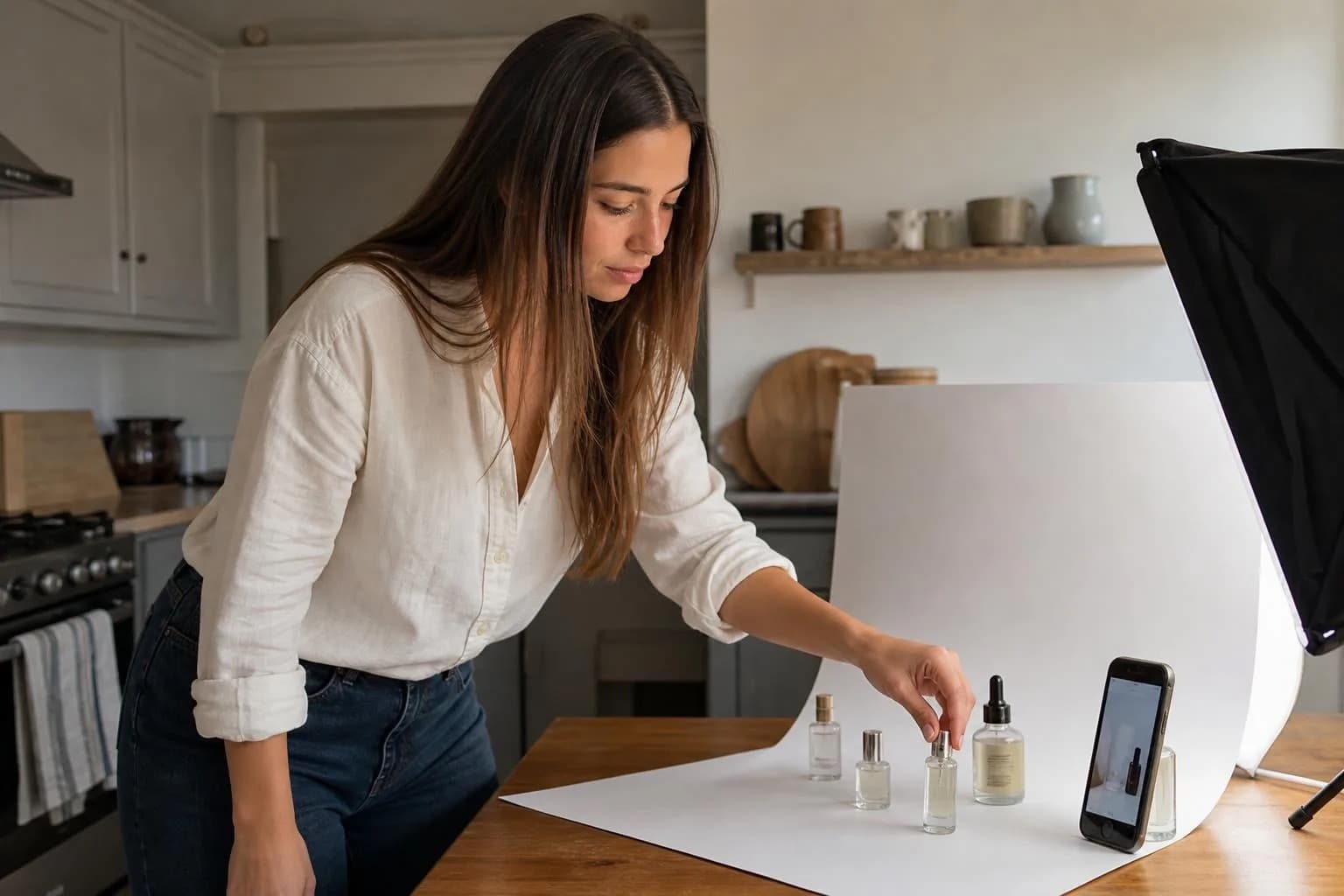
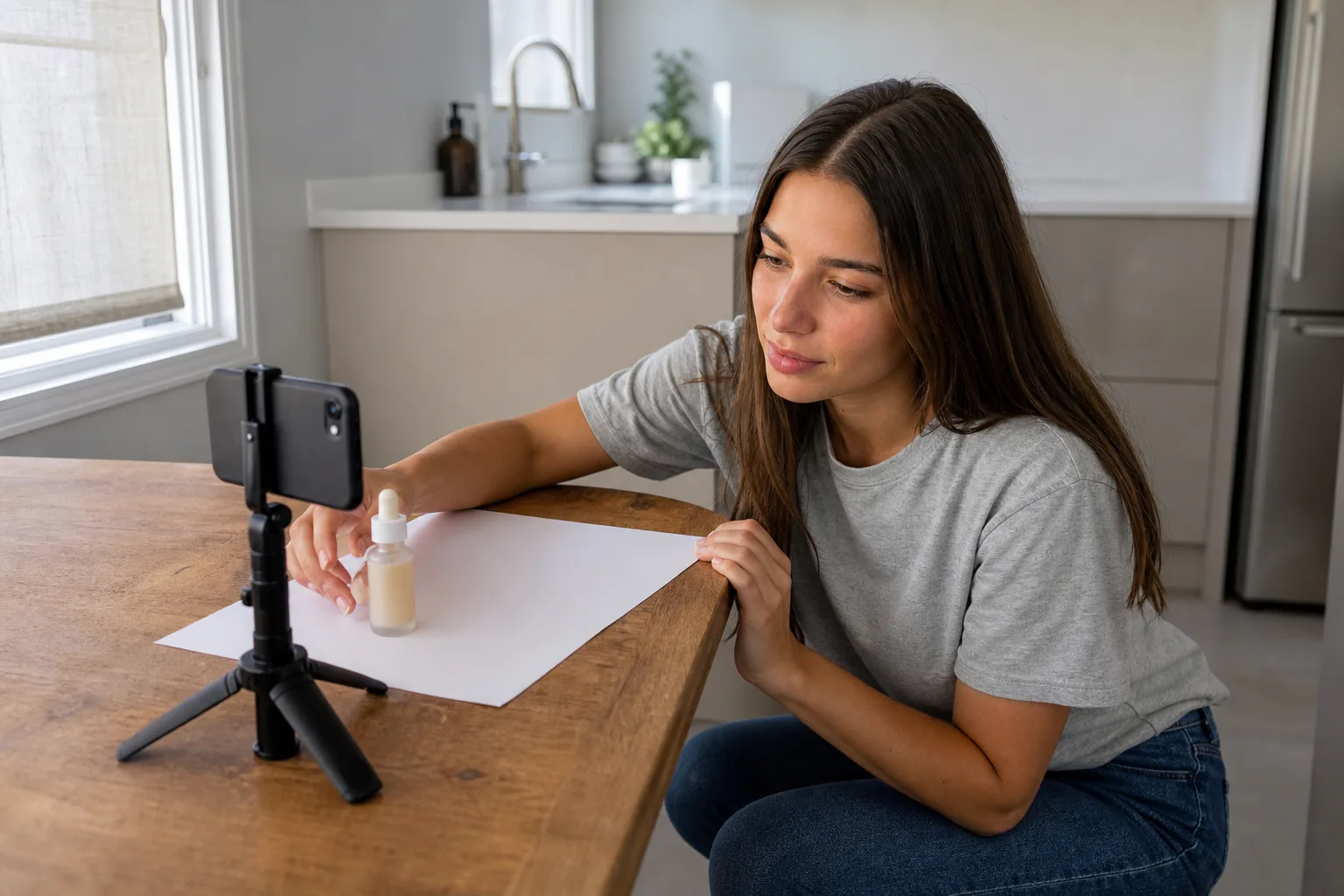
- Capture a clean base photo. Shoot the real product in even light against a plain backdrop. A phone is enough. This is your source of truth for the product's true appearance, which Amazon requires you to preserve.
- Produce the compliant main image. Remove the background to pure white, frame the product to 85% of the frame, and export at 1,600 pixels or more on the longest side. This shot stays a faithful photo of the product.
- Build the secondary lifestyle scenes. Place the product in context: in use, in a relevant setting, or held by a consistent AI model. These are the conversion images, and they are where AI generation replaces the expensive studio day.
- Add detail and infographic shots. Close-ups of materials or features, plus a scale reference and a short feature callout, answer the questions that otherwise become returns.
- Disclose and check. Where images were significantly AI-enhanced, flag it per Amazon's policy, and confirm the product is represented accurately in every shot before you upload.
If your secondary images use a recurring on-model look, the same person should appear across the set and across the catalog, which is where most general tools drift. For the broader version of this workflow beyond Amazon, the practical guide to AI product photography for ecommerce covers it, and if you sell apparel, using an AI model for a clothing brand goes deeper on on-body shots.

What makes a secondary lifestyle image convert on Amazon?
A lifestyle image converts when it answers a question the buyer has not asked out loud yet. Scale is the biggest one: a product floating on white tells you nothing about whether it fits your hand, your shelf, or your kitchen counter. A lifestyle shot that shows the product in real context resolves that doubt, and resolving doubt is what moves a hesitant shopper to buy.
The strongest secondary sets cover a predictable list of buyer questions. How big is it, shown next to a familiar object or in use. What is it made of, shown in a material close-up. How does it work, shown in the moment of use. Who is it for, shown in a setting that signals the target customer. A consistent model across those scenes reads as a real brand rather than a thrown-together listing, which quietly raises trust. One trap to avoid with AI-generated lifestyle images: most tools default to an over-polished, studio-lit look that reads as staged rather than real. Why AI photos look fake on a social feed and how to avoid it explains the problem and the fixes, and the same principles apply to secondary listing images.
Consistency is the detail sellers underrate. When the same model, lighting, and styling carry across all your lifestyle images, and across every SKU in the catalog, the brand looks established. When each image looks like it came from a different source, the listing reads as cheap, and cheap converts worse even when the product is good. The broader principles of ecommerce product photography apply equally here: the look has to hold, shot to shot, whether you are building a single Amazon listing or a full catalog across multiple platforms.

Amazon product photography: checklist before you go live
Run this before you publish a listing.
- Main image on pure white, RGB 255,255,255, no off-white or gray.
- Product fills at least 85% of the frame, shown in full, no crop at the edges.
- Longest side at least 1,000 pixels, ideally 1,600 or more for zoom.
- No text, logos, watermarks, props, or inset images on the main shot.
- Accepted format (JPEG preferred), file under 10 MB.
- Six or more total images: main plus lifestyle, scale, detail, and feature shots.
- Every image accurately represents the real product (color, shape, features, scale).
- AI-enhanced images disclosed per Amazon policy where significant.
- Secondary images consistent in model, lighting, and styling across the set.
Hitting the rules keeps the listing live. Hitting the conversion bar is what makes it sell, and that comes from the secondary images. Producing a consistent on-model set across an entire catalog without a studio is the part AI now handles. Cladegrove holds one model identity steady across every shot, so your lifestyle images look like one brand instead of a dozen sources. See how it keeps a model consistent for product shots.
Common questions
Do I need a professional photographer to sell on Amazon?
No. You need images that meet Amazon's technical rules and convert browsers into buyers, which a professional can deliver but is not the only path. A clean main image and strong secondary shots are what matter, however you produce them. Many sellers now combine a real product photo with AI editing instead of booking a studio.
Can I shoot Amazon product photos with my phone?
Yes, for the base capture. A recent phone in good light against a plain backdrop produces a usable raw shot, and software handles the rest: clean white background, correct framing, and the 1,000 pixel minimum. The phone is fine for the photograph; the compliance and polish happen in editing.
How many images should an Amazon listing have?
Use all the slots you can fill with purpose. Amazon allows up to nine images with seven typically shown, and listings that use six or more tend to convert better because they answer more buyer questions before the click. One compliant main image plus five or six secondary shots covering scale, features, and use is a solid target.
What is the Amazon AI-generated image disclosure requirement?
Amazon asks sellers to indicate when product images have been generated or significantly enhanced with AI, and the image must still accurately represent the physical product shipped. AI backgrounds, lighting, and scene composition are allowed; misrepresenting the product's shape, color, or features is not, whether the edit is AI or manual. Accurate representation is the line that matters.