An AI influencer is a fictional persona whose photos are produced entirely by software, with no model, no studio, and no agency involved. To create an AI influencer you design a character, generate photorealistic images of that character with an AI influencer generator, and then post them on a consistent schedule like any other account. The step most guides skip is the one that decides whether it works: the face has to look identical in every photo, or the account reads as fake within seconds. This guide covers the full process, from designing the persona to locking the face so every post looks like it belongs to the same person.
Most tutorials stop at "generate a face and post often." That leaves out the part that actually breaks accounts. A generator that produces a beautiful portrait one minute and a subtly different person the next does not give you an influencer. It gives you a folder of strangers who happen to look similar. Solving that is the difference between an account that grows and an experiment that stalls.
What is an AI influencer generator and how does it actually work?
An AI influencer generator is a tool that turns a character description, or an uploaded reference photo, into photorealistic images of a person who does not exist. You give it the persona, it gives you back the photos you post. That is the loop you use every time you create an AI influencer: describe the character once, then render them in new scenes on demand.
Under the surface, the generator runs on an image model trained on a large body of photographs. You write a prompt, the model produces an image. The strength of these models is range: any setting, any outfit, any lighting. Their weakness, and the reason most AI accounts fall apart, is memory. A plain image model is stateless. It does not remember what your character looked like in the last render, so each new image is a fresh guess at the face. Close, but never the same. That gap between "looks similar" and "is the same person" is the whole problem.
What do you need to decide before you start creating an AI influencer?
Before you generate anything, settle the persona. Skipping this is why a lot of AI accounts look generic and interchangeable. Decide:
- A niche. Fitness, travel, fashion, food, gaming. The niche shapes the scenes, the outfits, and the audience you will reach. A persona with no niche is hard to follow.
- A face and a look. Age, ethnicity, hair, build, and a consistent style. Write these down as fixed traits, because they become the description you reuse for every render.
- A name and a backstory. A handle, a home city, a personality. This is what turns a set of photos into someone an audience can follow.
- A content theme. What this persona actually posts: gym sessions, city trips, outfit shots, daily life. The theme keeps the feed coherent.
Write the persona down as a short profile and keep it open while you generate. The more specific the description, the more consistent the output, and the less the account looks like a stock-photo set with a username on top.

How do you create an AI influencer step by step?
Here is the full process, in order. Each step is one action.
- Define the persona. Write the profile from the section above: niche, face and look, name, backstory, content theme. This is your reference document.
- Generate the character. Feed the description into an AI influencer generator and produce the first portrait. Iterate on the prompt until the face matches the persona you wrote down. This first image becomes your canonical reference.
- Lock the face. Set that reference as the fixed identity for every future render, so the character stays the same person instead of drifting. This is the step covered in detail below, and it is the one that separates a real account from a cheap one.
- Build a content batch. Generate the same character across a range of scenes, outfits, and settings that fit the niche: indoors, outdoors, different times of day. Aim for a buffer of posts before you go live, not one image at a time.
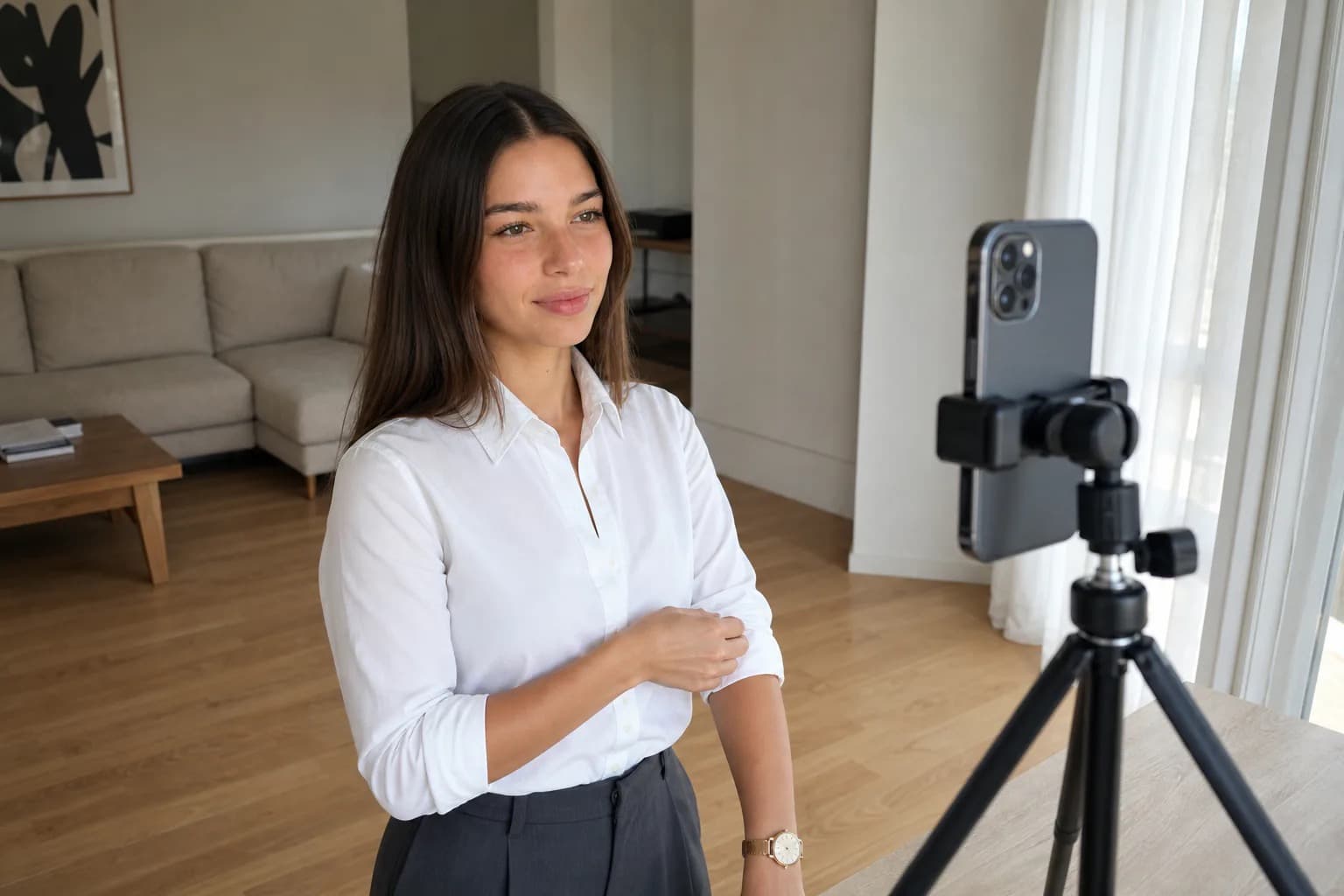
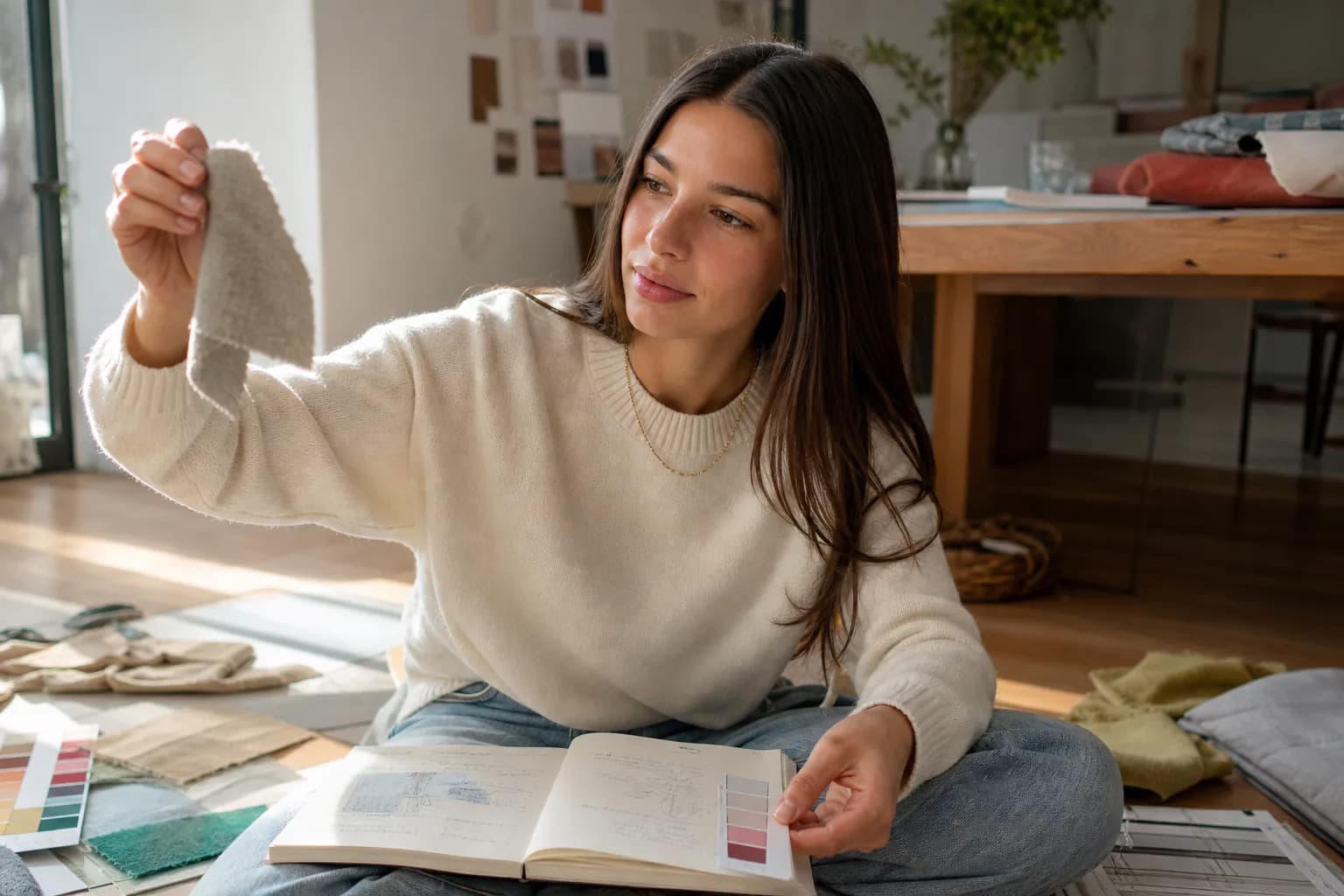
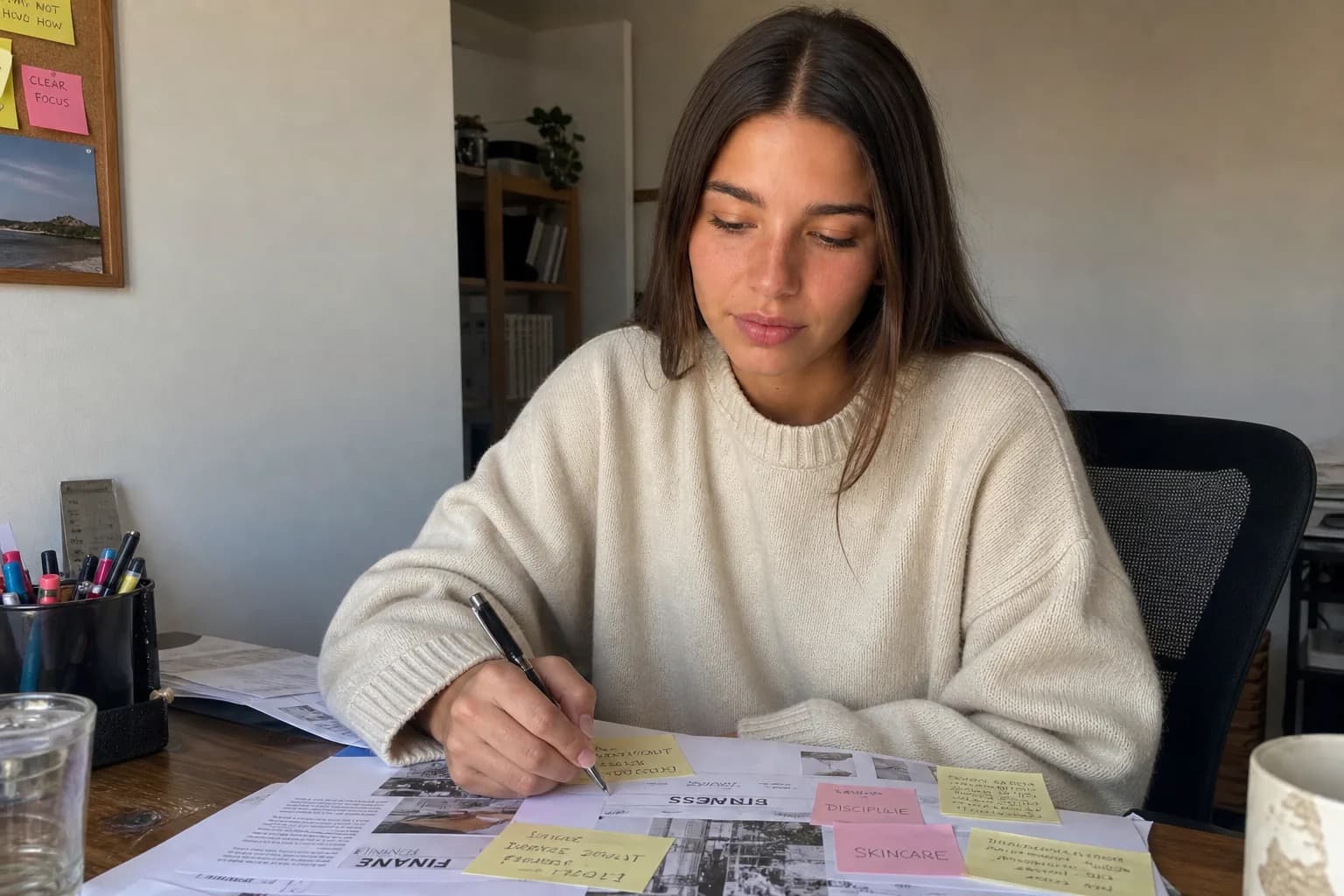
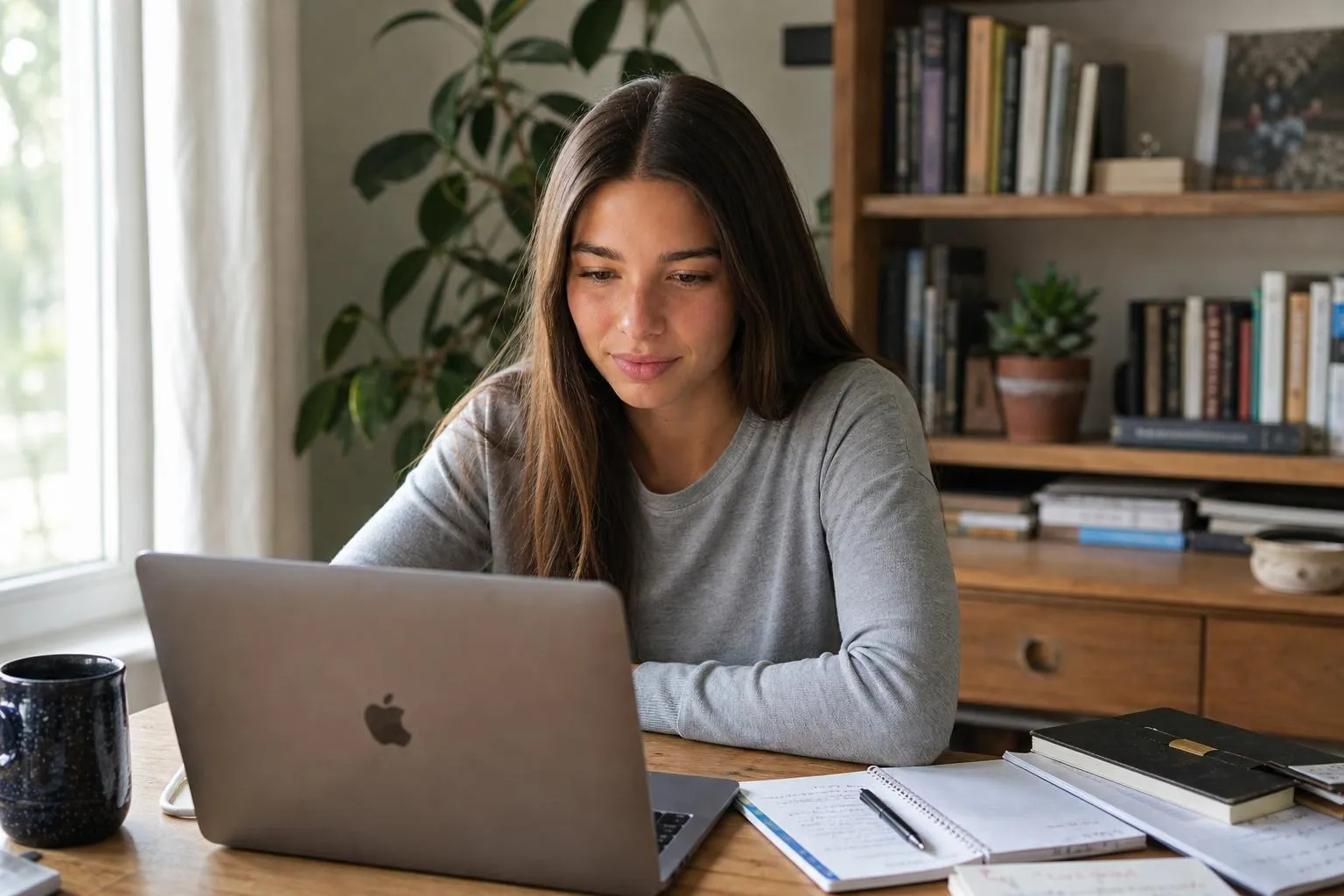
- Make the photos read as real. Favor a natural smartphone look over a polished studio one. Even, flawless lighting and a perfectly centered subject are what make AI photos look staged on a feed. Imperfect framing and natural light read as a real moment.
- Set up the account. Create the Instagram profile with the persona's name, handle, bio, and a profile photo from your batch. Add an AI disclosure where the platform asks for it, following the per-platform rules for Instagram and YouTube. Meta has applied an automatic "AI info" label to detected AI imagery across Instagram, Facebook, and Threads since May 2024 (Meta, 2024), so labeling is the norm, not a penalty.
- Post on a schedule and engage. Publish consistently, write captions in the persona's voice, use relevant tags, and reply to comments. Growth comes from cadence over weeks, not from a single upload.

The recap: persona first, lock the face, batch the content, keep it realistic, then post consistently. The order matters. Lock the face before you batch, or you will produce a hundred photos of slightly different people.
How do you keep the face consistent across every photo?
This is the part that decides everything, so it gets its own section. The problem is face drift. Because a plain image model has no memory of your character, every render is a new approximation. The eyes shift, the jaw narrows, the nose changes, the whole face slides a few degrees off. Across a feed, a viewer reads that instantly, even if they cannot name what is wrong. The account stops looking like one person and starts looking like a synthetic mashup, and trust collapses on the spot.
Prompt tricks do not fix this. You can describe the face in exhaustive detail in every prompt and still get a different person, because words are a weak handle on identity. The same description renders a thousand different faces. This is exactly the problem ChatGPT users run into when generating a consistent character: the structural reason is the same regardless of which tool you use.

What works is an identity layer that sits over the image model and holds the character fixed. Instead of re-describing the face each time, you set one reference identity and the system keeps it constant while you change the scene, the outfit, and the pose. Same character, every shot. The wedge is that layer holding identity, not a cleverer prompt. For a detailed look at how that identity layer is built and why the studio reference photo is the key to it, that piece covers the full architecture. Once the face is locked and the character is running, placing two distinct characters in the same frame is the natural next creative step, without the faces merging. This is exactly what the AI influencer generator is built to do, and the same consistent-character engine is the core of the product. Get this step right and the rest of the workflow is ordinary. Get it wrong and no amount of posting will save the account.
Which AI influencer generators are free, and what do paid tools add?
There is a real free tier in this space, and it is worth knowing where it helps and where it stops. Some browser tools let you generate a few images with no sign-up, which is useful for testing whether an idea is worth pursuing. What free tools cannot do is hold one face across an account, and that consistency layer is what paid tools are actually selling. The difference is rarely image quality on a single render. It is everything that turns single renders into a coherent account.
Free vs paid AI influencer generators
| Capability | Free generators | Cladegrove |
|---|---|---|
| Face consistency | Face drifts between renders, no way to lock it | One locked face held across every post |
| Render volume | A handful of trial images, daily caps | Enough renders to batch weeks of content |
| Resolution & watermark | Lower resolution, often watermarked | Full-size, watermark-free output |
| Control | Prompt roulette, little scene control | Saved persona reapplied, fine scene and outfit control |
| Price | Free, no sign-up | Free tier to start, paid plans from €19.90/mo |
Free tiers are a good way to validate the concept and learn the workflow. For a detailed look at what the free options actually offer and where each one hits a wall, see the breakdown of AI influencer generators that are free and what their real limits are. The moment you want a persona that looks like one person over hundreds of posts, the consistency layer is what you are paying for, and it is the thing free tools structurally do not have.

How do you grow an AI influencer account on Instagram?
Growth follows the same rules as any creator account, because the algorithm does not care whether the face is real. Post consistently, several times a week, so the feed stays active. Lean into Reels, which Instagram surfaces hardest to non-followers right now. Use relevant hashtags and write captions in the persona's voice rather than generic filler. Reply to comments and engage in the niche, because early interaction signals an account worth showing to more people. If you plan to extend the account to TikTok alongside Instagram, 30 TikTok content ideas that work without showing your face gives the short-form formats that carry a consistent AI character well.

The two things that hurt AI accounts specifically are inconsistency in the face and a feed that looks too polished to be real. Solve both before you scale posting. A consistent character photographed in a believable, smartphone-real way is what lets an AI account compete with human creators instead of being dismissed at a glance.
Can you make money with an AI influencer?
Yes, through the same routes a human creator uses: brand partnerships and sponsored posts, affiliate links, and selling digital products or a subscription. A virtual persona can sign brand deals exactly like a human one, and several established virtual influencers earn through sponsorships today. The money behind this is not small: the virtual influencer market was valued at $6.06 billion in 2024 and is projected to reach $45.88 billion by 2030, a 40.8% CAGR (Grand View Research, 2024). For a realistic view of what those revenue streams pay at different audience sizes, see how much AI influencers make in practice. Brands working with AI content also use AI personas directly for product campaigns, which opens a second avenue beyond traditional sponsored posts.

There is also a genuine engagement case. HypeAuditor panel data, as reported by SQ Magazine, put virtual influencer campaigns at a 5.67% average engagement rate against 1.89% for human creators, roughly 3x higher, which is part of why brands have been willing to work with them (SQ Magazine, 2026). That said, the picture is contested: other analyses of sponsored content have found human influencers outperforming AI ones on paid posts, so treat virtual influencers as a real but unproven channel rather than a guaranteed win. The economics work the same way they do for any creator: income tracks audience size, engagement, and niche, and it takes a real following before brand money shows up. The advantage of an AI persona is cost and control on the production side, not a shortcut around building an audience.
Common questions
Can you create an AI influencer for free with no sign-up?
Partly. A few browser tools render a handful of free images without an account, which is enough to test an idea. The catch is consistency: free tiers usually have no way to lock a face, so the character drifts from image to image and the account stops looking like one person. Free is fine for a first look, not for running a real persona.
Is it against Instagram's rules to post AI-generated influencer photos?
No. Instagram allows AI-generated content and AI personas. It does require that synthetic or significantly altered media be labeled, and it applies an automatic "AI info" tag when it detects generation. Run the account inside those rules and an AI influencer is permitted, not banned.
Do you have to disclose that an influencer is AI-generated?
In most cases yes. Platform policies ask for an AI label on synthetic media, and in the EU the AI Act requires that AI-generated content be marked as such. Disclosure is also better for trust: audiences react worse to a virtual creator they feel was hidden from them than to one that was open about it.
How long does it take to build an AI influencer from scratch?
The persona and first usable photo set take an afternoon. The account itself takes longer, because growth on Instagram is a function of consistent posting over weeks, not a single upload. Plan for a day to build the character and a content buffer, then a steady cadence after that.
What makes AI influencer photos look fake, and how do you avoid it?
Two tells: plastic, poreless skin and an over-polished cinematic frame that looks staged next to ordinary phone photos. The fix is matching the look of a real smartphone snapshot, with natural light and imperfect framing, and keeping the same face in every shot so the feed reads as one consistent person.