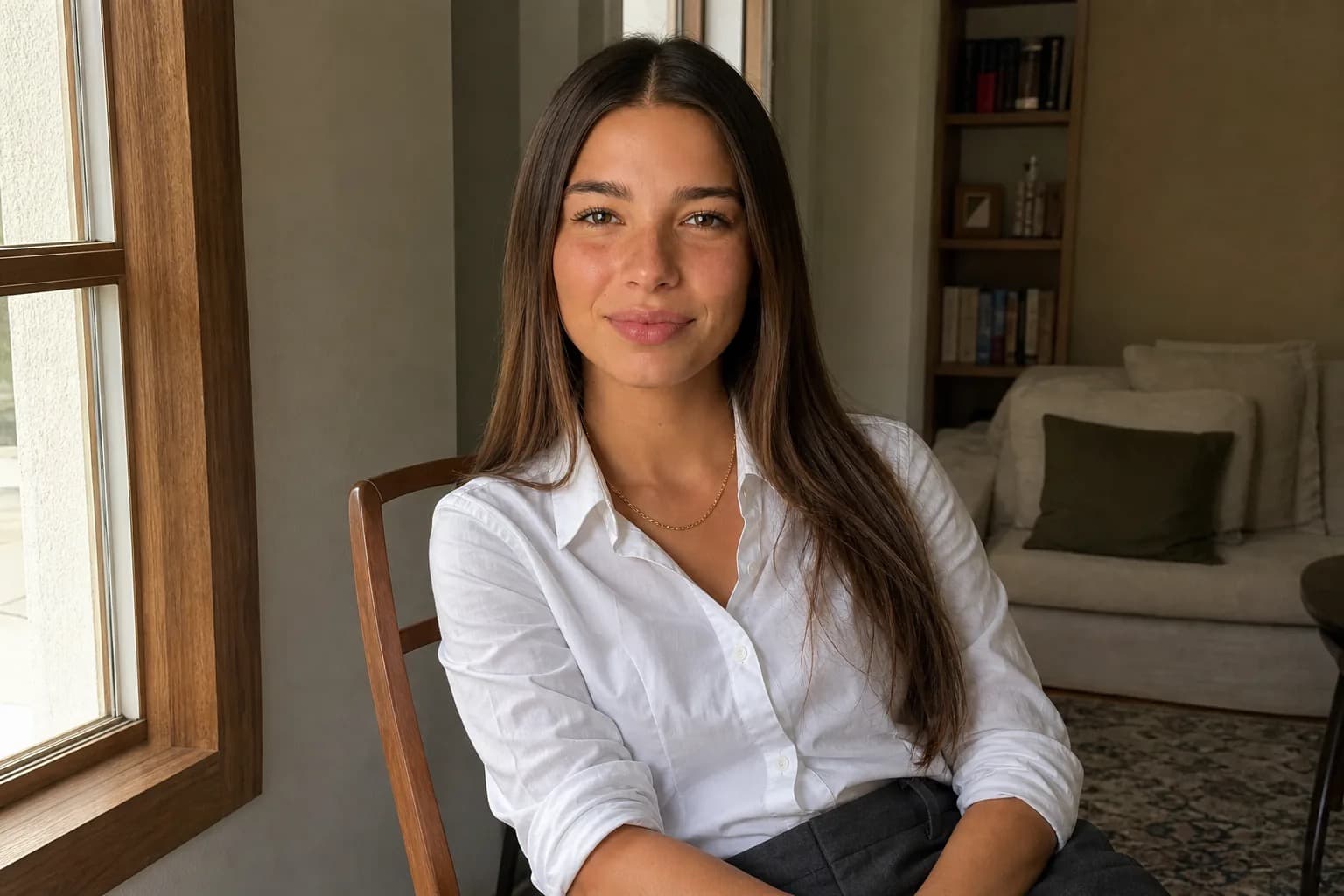

Say you want a host and a guest in the same frame, or a recurring duo who show up together post after post. Ask a standard text-to-image tool for it and the two faces tend to merge into one, clone into near-twins, or blend traits from both prompts into a person who matches neither. This is the same identity-drift problem that hits a single character across multiple images, only doubled: now there are two faces to lose, and they can overwrite each other in the same pass. Group shots hold together only when each character's identity is stored independently and assigned to a fixed spot in the composition before the image renders. It is a structural requirement, not a prompt you can phrase your way into.
Can AI put multiple consistent characters in one image?
Yes, but not with the tool most people reach for first. A standard text-to-image generator can draw a scene with two people in it. What it cannot do reliably is keep those two people as distinct, recognizable individuals who stay the same across more than one image. The faces it renders are plausible, but they are fresh approximations every time, and in a two-person frame those approximations tend to collapse toward each other.
Group shots with consistent AI characters need something the base model does not have: a stored identity for each character and a way to tell the renderer which identity goes where. When that layer exists, two characters can sit in the same frame and read as two different people, and the same two people can show up again in the next image looking identical to the last one. Without it, you get a different result every render, and often the two faces fight for the same space.
The gap is not about resolution or art style. It is about whether the system has any concept of "this is character A and that is character B" as separate, persistent things.
Why do AI characters merge or duplicate in group shots?
A stateless image model has no memory of a character and no slots. When you ask it for two people, it interprets every word in the prompt as one big description of the scene and tries to satisfy all of it at once. There is no internal boundary that says these traits belong to the person on the left and those belong to the person on the right.
So the model averages. Two descriptions that share a single identity space tend to merge: you get one face carrying features from both prompts, blended into a person who matches neither. Or the model resolves the ambiguity by cloning, rendering the same face twice because that is the lowest-effort way to satisfy "two people who look like this." Or it commits fully to one description and leaves the second character as a blurry, generic figure that the prompt never really anchored.
None of these are quality defects in the tool. They are what you get when a single generation pass has to hold two identities with no mechanism to keep them apart. The model is doing exactly what it was built to do: predict one coherent image from one prompt. The coherence is the problem, because two distinct people are, from the model's point of view, an inconsistency to be smoothed out.
Reference photos do not fully solve it either. Drop two reference images into the same prompt and they bleed, because the model still treats the pass as one identity space. It might lean toward one reference, or split the difference, or apply both references to both faces. The face drift that hits single-character generation, which the stateless model losing the face even for one character piece covers in detail, gets worse with two, because now there are two faces to lose and they can overwrite each other.
How do you make two AI characters look like different people?
The fix is to stop describing two people in one prompt and start assigning two saved identities to two positions in the frame.

That means the identity work happens before the image, not during it. Each character is defined once: face, build, hair, styling, the traits that make them recognizable. That definition is stored as a character, not retyped into a prompt every time. When you build a group shot, you are not writing "a woman with dark hair and a man with a beard" and hoping the model keeps them straight. You are placing character A and character B, each of which already exists as a fixed identity, into a scene.
This is the structural fix, and it is exactly what Cladegrove's multi-character workflow is built for. Cladegrove's consistent character workflow places two distinct, identity-locked characters in the same frame, binding each saved character to its own slot so the renderer never has to guess which face owns which position. The two identities do not share one prompt space, so they do not average, clone, or overwrite. Each one is held independently and dropped into the composition as itself.
Because the identities are stored rather than re-described, you also control which character goes where. A host on the left and a guest on the right stay on their sides and stay themselves. Swap the scene, change the setting, move the camera, and both faces hold, because the scene description and the identities are separate inputs rather than one tangled prompt.

How do you keep both faces consistent across a series?
A single good group shot is not the hard part. The hard part is the second image, and the tenth, where both characters need to look exactly as they did in the first one. This is where re-prompting fails completely: type the descriptions again and both faces drift, and after a few images you have two people who no longer match their earlier selves or each other.
Persistence solves this the same way it solves the single-character case, where one identity is locked once and reused on every render. When each character is a saved identity, every new image, group or solo, pulls from that stored definition instead of a fresh description. The duo in image one is the same duo in image twenty. You can put character A in a solo shot, then put A and B together, then give B their own solo shot, and all three images read as the same two people, because there is only ever one stored version of each.

That continuity is what makes a recurring cast usable. A pair of characters who appear together across a feed, a series, a set of thumbnails, need to be instantly recognizable each time. If the faces shift between posts, the audience stops reading them as the same characters and the whole point collapses. Locked identities keep the cast stable across as many images as you generate, which is the difference between two AI characters that happen to appear once and a duo you can build a body of work around. For an account built around one or more persistent characters, the AI influencer generator is the tool that holds each identity separately so the cast travels reliably from post to post. The same identity that travels into a group shot also travels across solo poses: keeping one character consistent through different poses and outfits covers that single-character side of the same workflow.
Common questions
What happens when I prompt two characters at once in a standard image generator?
The two descriptions get blended into one identity space rather than held apart. You usually get a single face wearing traits from both prompts, two near-identical people, or a frame where one character is fully formed and the other is a vague stand-in. The generator has no slot that says this face belongs here and that face belongs there, so it averages.
Does adding a reference photo for each character fix the merging problem?
Not on its own with a standard tool. A single reference often improves one face, but two references in the same pass tend to bleed into each other, and the model still has no rule about which reference owns which position in the frame. You need a system that binds each reference to a specific character slot before the image renders, not a second photo dropped into the same prompt.
Can I use the same AI character in a group shot and a solo shot and have them look the same?
Yes, if the character's identity is stored once and reused, rather than re-described each time. When the face lives as a saved character, the group shot and the solo shot both pull from the same locked identity, so the person reads as one continuous individual across both. Re-prompting the description for each image is what causes the drift.
How many characters can appear in one consistent AI image?
Two is reliable, and that is the case most people need: a duo, a host and a guest, a pair of recurring characters. Beyond two, identity separation gets harder for any system because the model has more faces to keep apart in one composition. If your scene needs a crowd, the practical approach is to keep two or three characters identity-locked and let the rest stay anonymous in the background.

A group shot only works when each character is a separate, persistent identity rather than two descriptions competing for one face. That is a structural property, not a prompt you can phrase your way into with a standard tool. If you want two recognizable AI characters in the same frame, holding their faces across every image, Cladegrove keeps each character locked to its own identity, so the two people in one shot stay two people in the next. That same locked-identity approach carries into every other use a character is put to, from a solo feed to a product catalog to a brand campaign, the range covered in the use cases for AI-generated characters. If you are building a recurring cast to post with, the tools for AI content creators hold each face across as many scenes as you produce.