
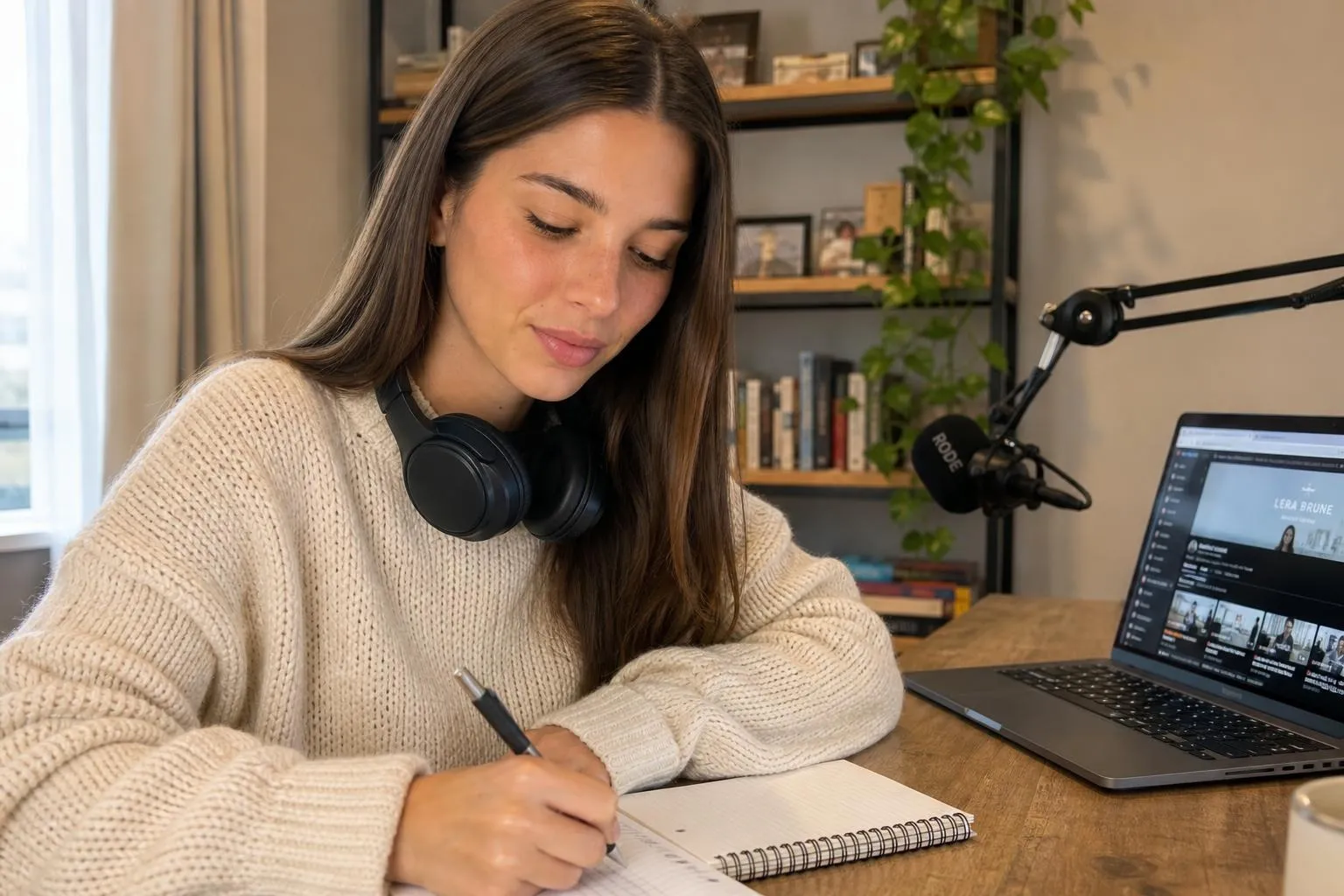
A faceless YouTube channel is one where the creator never appears on screen. The channel runs on voiceover, animation, screen recordings, or AI-generated imagery instead of a real face. That model works for thousands of channels across finance, history, gaming, and education. But it has one structural weakness: nothing for a viewer to recognise, return for, or bond with. A consistent AI host solves that problem. It gives the channel a recurring on-screen identity without the creator showing up personally. If you are still deciding which faceless format and niche will work for you, the broader guide to 25 faceless YouTube channel ideas filtered by advertiser CPM can help you narrow down before you commit to building a host character. Note that YouTube requires disclosure for synthetic or significantly altered content, so understanding what YouTube, Instagram, and TikTok actually require for AI disclosure is worth doing before the first upload.
What is a faceless YouTube channel and how does it work?
A faceless YouTube channel publishes videos without the creator's face ever appearing on screen. Everything on screen is either generated, recorded from a device, sourced from stock libraries, or drawn. The person behind the channel can be anyone, anywhere, and the audience has no idea what they look like.
This matters for two reasons. First, privacy. Some creators want the income and the audience without the public identity that comes with a face-on-camera account. Second, scale. A faceless channel can produce content faster, with fewer production constraints, and often with lower equipment costs than one that depends on filming a person. The same logic powers faceless digital marketing well beyond YouTube, where the niche, not the person, becomes the brand.
What it does not mean is that the channel lacks identity. The visual style, the thumbnail palette, the recurring character in the intro, the narrator's voice cadence: all of those create a brand. A channel with no face can still have a face. That is the distinction this article is mostly about. If you are also thinking about short-form alongside long-form, the same faceless principles apply on TikTok, and 30 faceless TikTok content ideas covers the formats that work best there.
What are the main formats for a faceless YouTube channel?
There are four formats that most working faceless channels use, sometimes in combination:
Voiceover over footage. The creator writes a script, records a voiceover (their own voice or a cloned AI voice), and lays it over stock footage, B-roll, or screen recordings. Finance explainers, history channels, and news analysis channels run almost entirely on this model.

Screen recording. The channel records a screen, a game session, or a software walkthrough, with narration over the top. No face, no setup beyond a screen-capture tool.

Animation and motion graphics. Explainer-style channels build graphics and animate them. More production time per video, but strong visual identity that does not depend on a person.
AI-generated imagery. The channel uses an AI image or video generator to produce the visuals, often combining generated images with voiceover. The newest format, still low-competition in most niches.
All four are valid. The first two are the fastest to produce. The third takes the most skill. The fourth is where a consistent AI host becomes the differentiator, but it applies to the others too: nothing stops a voiceover channel from putting a generated character in every thumbnail and intro sequence.
How do you start a faceless YouTube channel step by step?
These are the steps in order. Each one is one decision or one action.
-
Pick a niche. The niche shapes everything: the visual style, the kind of voiceover, the knowledge you need, and the audience you will attract. Pick one thing you can produce 50 videos about before you run out of ideas. If you have not settled on a topic yet, 25 faceless YouTube channel ideas filtered by advertiser CPM can help narrow it down before you commit to building the channel around it.
-
Decide your format. Choose from the four above. The easiest entry point is voiceover over footage or screen recording, because both require minimal equipment.
-
Set up the channel. Create a dedicated Google account for the channel, separate from your personal one. Name it for the niche, not your real name.
-
Design the visual identity. Decide on a thumbnail style, a channel color palette, and what recurring visual element will appear across your videos. This is where most faceless channels fall short: they treat visuals as an afterthought and end up looking interchangeable.
-
Write a content backlog before you post. Aim for five to ten scripts or outlines before publishing anything. Channels that launch with one video and then scramble for the next tend to stall on cadence, and cadence is what the algorithm rewards.
-
Produce the first batch. Make the first five or six videos before the channel goes live. This gives you a publishing buffer and keeps the early channel from looking empty when someone discovers it.

-
Optimise each upload. Write titles that include the keyword a viewer would actually search. Write descriptions that answer follow-up questions. Create thumbnails that make a specific visual promise and fulfil it in the video.
-
Post on a consistent schedule and hold it. YouTube's algorithm rewards regular uploads. Twice a week is better than seven times one week and once the next.
The steps above will get a channel running. What they will not do is make it memorable. That is a separate problem, and it is where most faceless channels stay stuck.
Why does a consistent AI host change what a faceless channel can do?
A voiceover-only channel has no face to remember. The viewer hears a voice, watches the footage, maybe subscribes. But there is no visual anchor, no recurring figure, nothing that makes one video clearly from the same creator as the last one except the name in the corner of the screen.
Consider the difference with a face-on-camera channel. The person who appears in the first video is the same person in the hundredth. Their face in the thumbnail is a signal: "you've seen this before and you liked it." The channel builds a visual identity around a recognisable human, which makes subscribers more likely to click the next video and the one after that.
A consistent AI host gives a faceless channel that same mechanism without any real-face requirement. The character in the thumbnail, the figure that opens every video, the on-screen presence that closes with a CTA: these are all the same generated person, rendered in the same style, in every video. The viewer builds the same mental association a face-on-camera channel earns, but the creator behind it never appears.
That is the argument. It is not that an AI host is more engaging than a real person. It is that a recognisable recurring figure on a faceless channel does something a disembodied voice cannot: it gives viewers a visual identity to attach the channel to. Thumbnails with a familiar face perform differently from thumbnails without one, because human faces attract attention faster than text or graphics alone.
The catch is consistency. A generated character that looks slightly different in each video provides no identity anchor at all. The eyes shift, the jaw changes shape, the hair color drifts a shade. A viewer notices this even if they cannot name what is wrong, and the account stops reading as one coherent thing. An AI host only works as a visual identity if the face is locked across every render.
How do you build a consistent AI host for your channel?
The process has three parts: character design, face locking, and visual integration.
Character design. Write a short profile for the character: age, appearance, styling, and the kind of personality that fits the channel's niche. A finance channel's host might wear clean business-casual in neutral settings. A travel channel's host might appear in location-specific outfits. The profile does not have to be long, but it needs to be specific enough that every generated image stays in character.
Face locking. This is the technical step. A plain image generator is stateless: each render is a fresh approximation of the character, and the face drifts across a batch. A generator without a way to hold the identity fixed will produce a hundred plausible variations instead of one consistent person. What solves it is an identity layer that takes a fixed reference, holds the character constant, and applies it to every new scene. The tool has to hold the face, not the prompt. The mechanism behind that locking step is explained in detail in how Cladegrove keeps a character consistent across every image.
For a detailed walkthrough of how to design and generate an AI character for a channel, that guide covers the persona design and generation steps.
Visual integration. Once the character is locked, use them consistently: thumbnail, channel banner, intro sequence, and any on-screen segment in the video. The character does not have to appear in every frame. They need to appear in the places viewers look when deciding whether to click and whether to come back.

A channel that commits to this looks different from the competition. Most faceless channels look generic: stock footage, generic thumbnail templates, no recurring visual identity. A channel with a consistent AI host across every touchpoint has a brand. That is a meaningful difference at the click-through rate level, which is the number that drives everything else on YouTube.
Can a faceless YouTube channel make money?
Yes, through the same routes any channel uses.
The most commonly cited route is the YouTube Partner Program. To unlock ad revenue sharing, a channel needs 1,000 subscribers and 4,000 valid public watch hours in the past 12 months, according to YouTube's own eligibility page. There is also an expanded early-access tier at 500 subscribers and 3,000 watch hours that unlocks some features before full ad revenue. The thresholds are the same regardless of whether the channel is faceless or face-on-camera.
Ad revenue alone is not a business for most channels. The channels that build real income layer other streams on top: affiliate links, sponsorships, digital products, and paid memberships. Faceless channels monetize all of these the same way a face-on-camera channel does.

One advantage a faceless channel with a consistent AI host has over a purely voiceover-based channel is brand clarity. Sponsorships and affiliate deals are easier to pitch when the channel has a visual identity. A recognisable character is a product you can describe, a brand you can put in a media kit. "A voiceover channel about finance" is harder to pitch than "a finance channel with a consistent on-screen host." For the wider tooling picture, the best AI tools for content creators in 2026 covers the full stack around scripting, voice, and distribution that a faceless channel like this one runs on top of.
The honest caveat: monetization depends on audience size, niche, and engagement, not on whether the channel is faceless or not. The AI host argument is about growth rate and audience retention, not a guarantee of income. Build the channel right and the income follows the audience. Build a generic faceless channel and the competition is harder.
Common questions
Does YouTube allow AI-generated content and AI hosts?
Yes. YouTube permits AI-generated content and AI personas. It requires creators to disclose AI-generated or synthetic content using the label in YouTube Studio, and applies automatic labels when it detects generation. Running an AI host inside those rules is permitted under YouTube's current policies.
How many subscribers do you need to monetize a faceless YouTube channel?
To unlock ad revenue sharing through the YouTube Partner Program, a channel needs 1,000 subscribers and 4,000 valid public watch hours in the past 12 months, according to YouTube's own eligibility page (support.google.com/youtube/answer/72851). An expanded early-access tier at 500 subscribers and 3,000 watch hours (support.google.com/youtube/answer/13429240) unlocks some features but not ad revenue.
Can a faceless channel compete with face-on-camera channels in the algorithm?
Yes, on watch time and click-through rate, which are the metrics that drive distribution. A faceless channel with a compelling thumbnail, a strong hook in the first 30 seconds, and consistent posting competes on the same signals as any other channel. Face-on-camera content has an edge on personal connection, which is one reason a recognisable AI host helps close some of that gap.
What equipment do you need to run a faceless YouTube channel?
At minimum: a microphone (a USB condenser in the $50-100 range is enough for voiceover), basic screen-recording software, and a video editor. If you add an AI host with generated imagery, you need an account with a character image generator. No camera required by definition.
A faceless channel with a consistent AI host is a different product from a voiceover channel. The visual identity changes what viewers remember, what they click on, and how the channel looks in a thumbnail grid next to the competition. If that is the kind of channel you want to build, Cladegrove holds the character fixed across every render, so the face in thumbnail one is the same face in thumbnail one hundred.